rotavisa.app
RotaVisa
Premium visa consultancy for business travelers
98%
visa approval rate
40+
countries served
70%
reduction in document errors
Most visa delays and refusals trace back to one thing: a document problem. Here's how the best agencies drive their document error rate toward zero.
In visa processing, a document error is rarely a minor inconvenience — it's the leading cause of refusals, delays, and re-applications. A blurry passport scan, a bank statement that doesn't cover the required period, or a photo that fails biometric specifications can derail an otherwise strong application.
The cost compounds. A document error caught late means a missed embassy deadline, a frustrated client, a possible refund, and the reputational hit of a refusal that wasn't really about eligibility at all. For the agency, it also means re-work: the same application handled twice.
The agencies with the best approval rates aren't luckier — they've engineered document errors out of their process. Here's how.
Most document errors start with unclear requirements. The client genuinely didn't know the photo had to be 45mm tall, or that the bank statement needed to be stamped, or that the invitation letter had to be dated within 30 days.
The fix is visa-type-specific requirements presented at the moment the client needs them. When someone starts a Schengen tourist visa, they should see exactly which documents are required, in what format, with examples — not a generic checklist that applies to ten different visa types.
Dynamic document requirements tied to the visa type remove ambiguity. The client uploading documents for a UK work visa sees a different, precise list than someone applying for a family visa. Clear, contextual instructions prevent the majority of errors before they happen.
Book a quick demo and see how it works for your visa types.
The single biggest lever for reducing document errors is moving validation from manual review to the point of upload. When a client uploads a file, the system should immediately check format, size, and basic validity — and reject anything that fails with a clear explanation.
This matters because of timing. A format error caught at upload is fixed in seconds, while the client is still engaged. The same error caught during manual review days later means an email, a wait, a re-upload, and lost time on both sides.
RotaVisa implemented automated validation tied to each visa type's requirements and cut document errors by 70% — a direct contributor to their 98% approval rate across 40+ countries. Validation at upload doesn't just reduce errors; it shifts the work from your team back to the system.
Errors also slip through when documents aren't tracked individually. If an application is marked "documents received" as a single checkbox, it's easy to miss that one of fifteen documents is the wrong version.
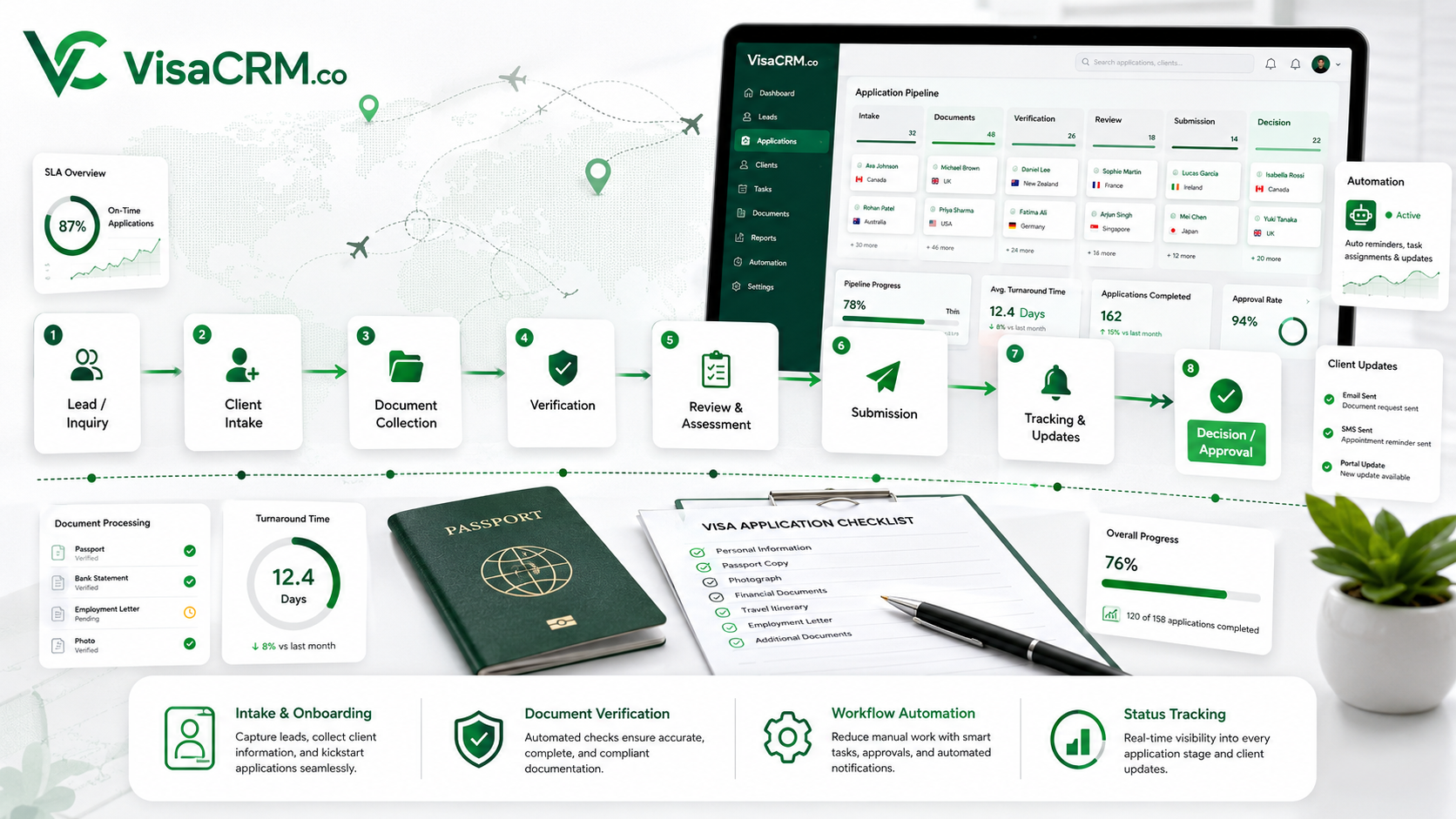
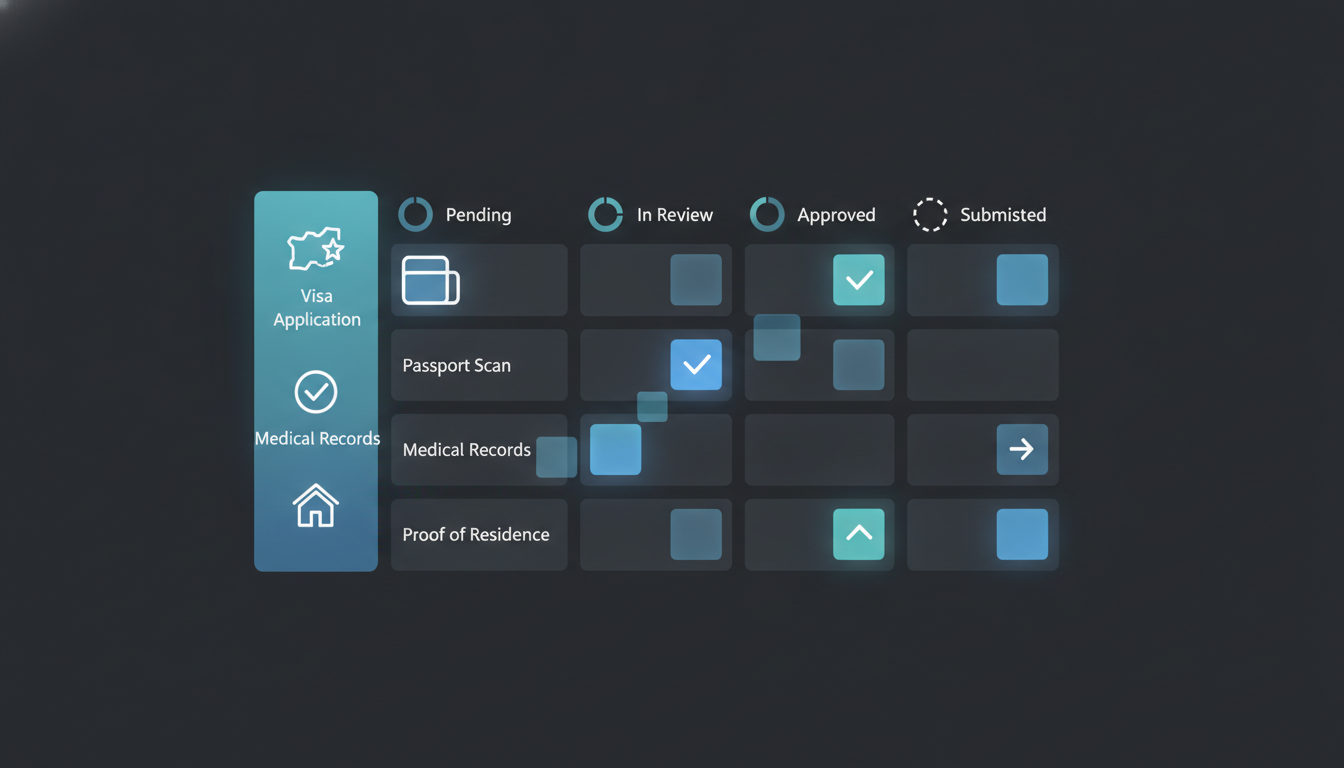
Best practice is per-document tracking: each required document moves through its own lifecycle — requested, uploaded, under review, approved or rejected — with a clear status. Your team can see at a glance which documents are still outstanding, which need correction, and which are verified.
This granularity is especially critical for business visas and other document-heavy applications. It turns "is this application ready?" from a guess into a precise, auditable answer.
Book a discovery call and see how VisaCRM can automate your workflow.
Book a call →Even with clear requirements and validation, some clients will upload late or incompletely. The difference between a smooth agency and a chaotic one is whether follow-up is automatic or manual.
Automated deadline reminders close the gap. If a required document hasn't been uploaded a set number of days before the submission deadline, the system sends a reminder automatically — by email or WhatsApp — with a direct link to upload. No manual chasing, no forgotten follow-ups during busy periods.
Together, these four levers — clear requirements, upload validation, per-document tracking, and automated follow-up — turn document handling from your biggest source of errors into a reliable, low-touch part of the workflow.
Want to see automated document validation for your visa types? Book a demo.
Most document errors start with unclear requirements — the client didn't know the photo size, the bank-statement period, or the format needed. Generic checklists that apply to many visa types make this worse. Showing visa-type-specific requirements with examples at the moment the client uploads prevents the majority of errors before they happen.
Use four levers: make requirements visa-type-specific and impossible to misunderstand, validate documents at upload rather than during manual review, track each document individually through its lifecycle, and automate deadline reminders. One agency cut document errors by 70% with upload-time validation, contributing to a 98% approval rate.
Upload-time validation checks a document's format, size, and basic validity the moment a client uploads it, rejecting anything invalid with a clear explanation. This catches errors in seconds while the client is still engaged, instead of days later during manual review — the single biggest lever for reducing document errors.
Tracking each required document through its own lifecycle — requested, uploaded, under review, approved or rejected — prevents errors slipping through when an application is marked "documents received" as a single checkbox. It's especially critical for business visas with 15+ documents, turning "is this ready?" from a guess into a precise, auditable answer.
Bu yazıdaki örüntüler şu platformlarda çoktan yayında. Farklı markalar, farklı vize tipleri — altında tek bir motor.
Modern bir vize işletmesini yürütmenin derinine inen pratik rehberler.