
anyvisa.app
Anyvisa
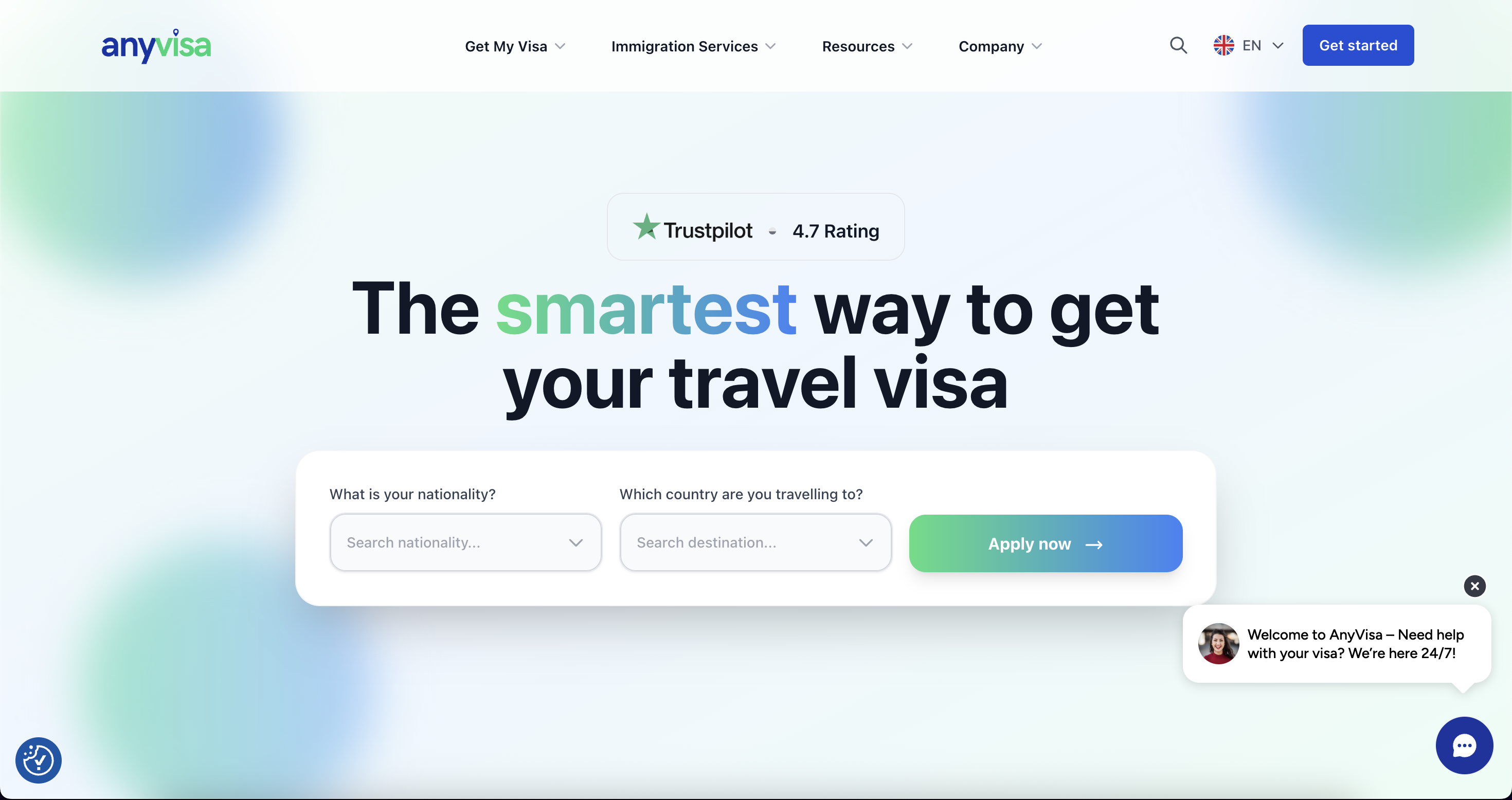
UK's leading online visa platform
300%
increase in application capacity
75%
reduction in support tickets
4.8/5
customer satisfaction score
 Tomas Hassan · CEO
Every tool your team needs, in one place
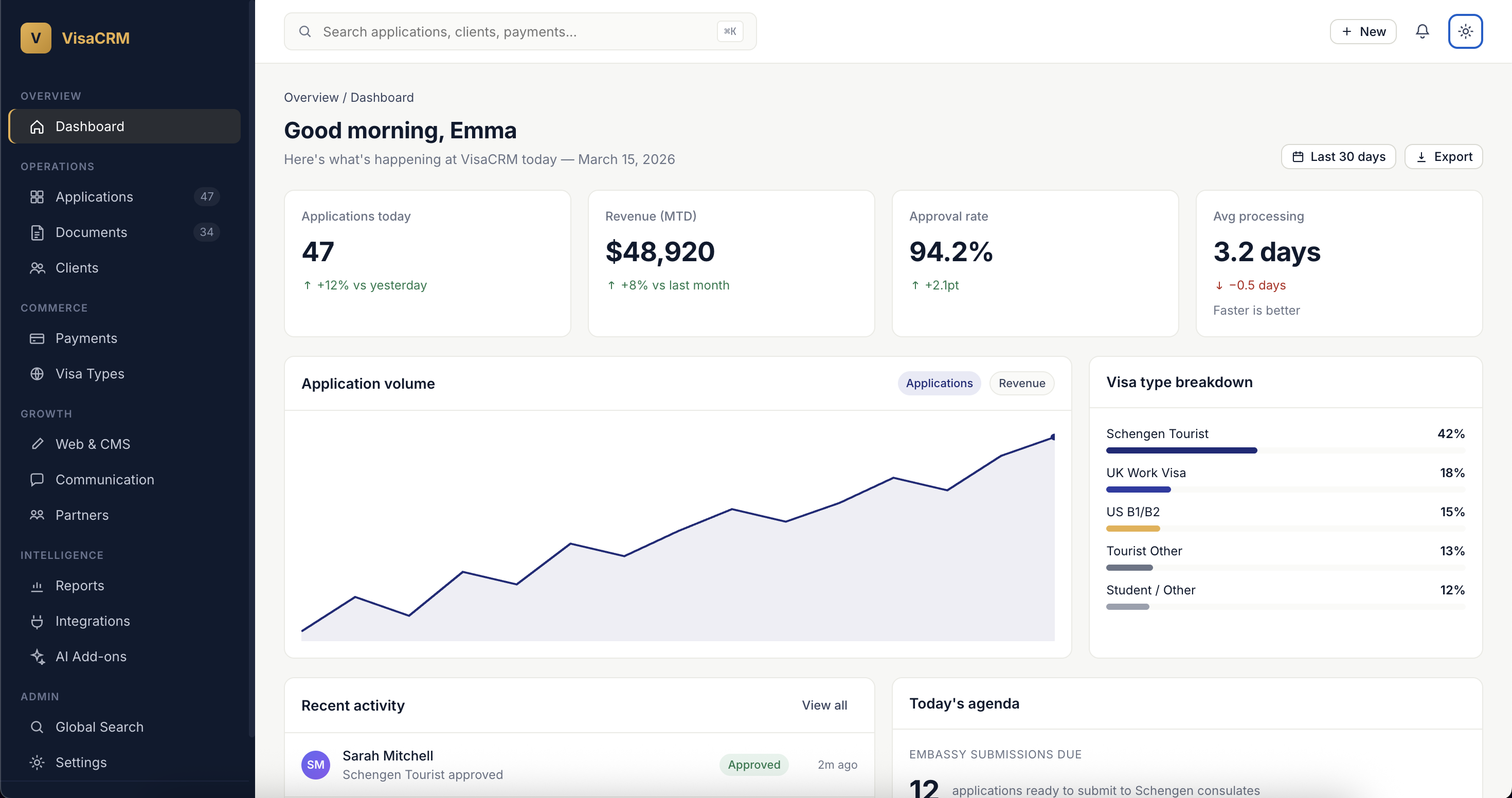
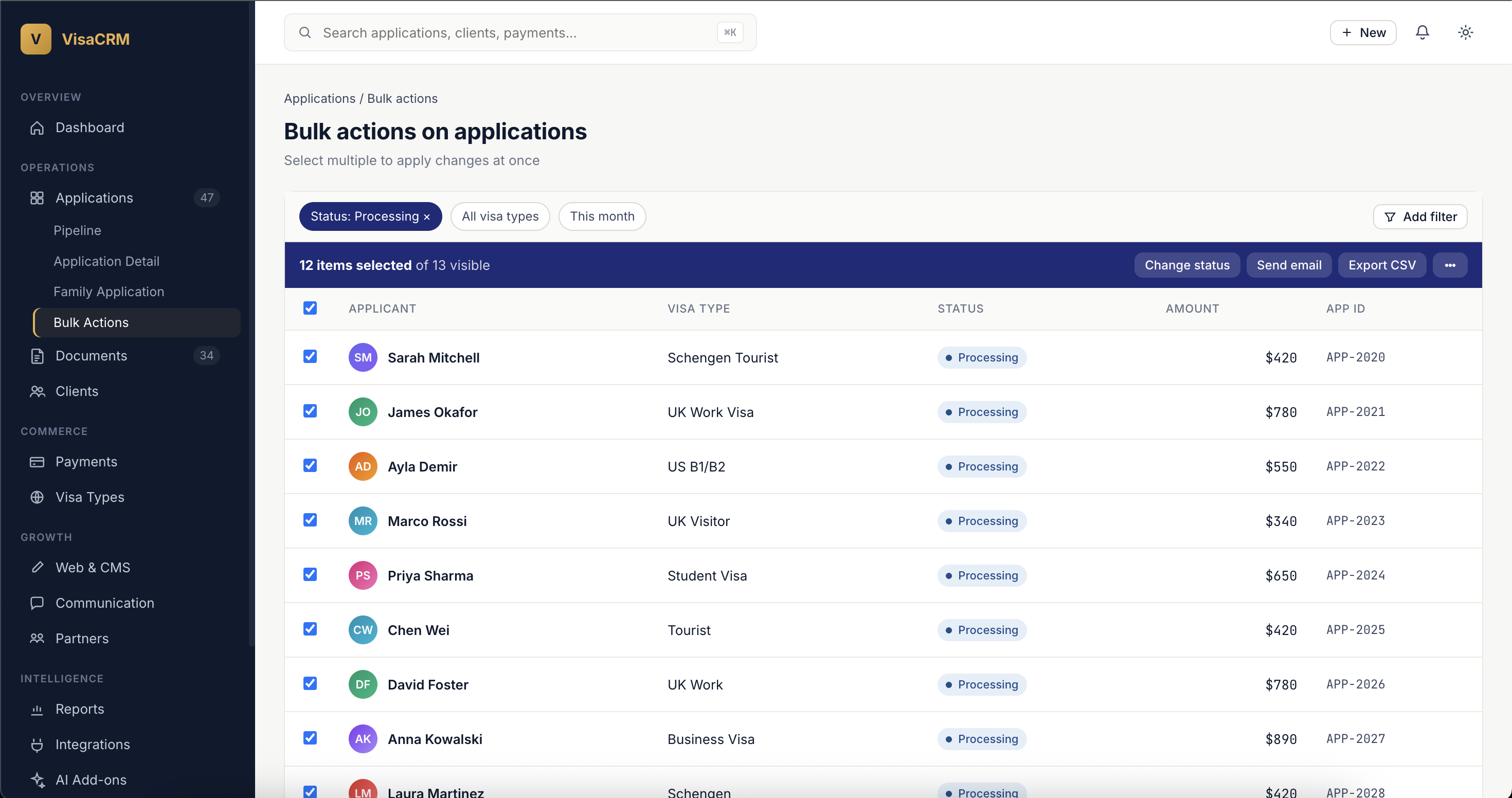
A comprehensive admin interface with 25+ CRUD resources, Kanban pipelines, bulk actions, real-time notifications, and global search. Built for visa operations teams.
Drag applications through workflow stages or sales pipeline stages. Each move triggers the appropriate automated notifications.
Filter applications by status, visa type, assigned agent, date range, or any custom field. Save filter views for your team.
Mass status changes, email campaigns to pending applicants, CSV exports, and batch assignments — all in a few clicks.
Find any application, client, or payment across your entire system in seconds. Search across all resources simultaneously.
Instant alerts for new applications, payment receipts, document uploads, and status changes — delivered to the right team members.
Customer support tool that lets authorised admins temporarily act as a client to diagnose issues. Every impersonation is logged.
Book a demo and we'll tailor Admin Command Center to the way your team actually works.
Book a demo →The admin interface is built on Filament 3, a mature and well-designed admin panel framework. This means fast page loads, consistent UX patterns across all resources, and a polished interface that your team can use productively from day one.
Over 25 CRUD resources are pre-configured: applications, applicants, orders, visa types, countries, coupons, users, companies, partners, documents, and more. Each resource has tailored actions, filters, and bulk operations specific to its use case.
The Kanban board view is one of the most powerful features of the admin panel. Two separate boards handle two different pipelines:
The Contact Pipeline (New → Contacted → Qualified → Quoted → Converted → Lost) shows your business development team the sales funnel. The Sales Pipeline (Lead → Contact → Quoted → Negotiation → Converted → Lost) provides a more detailed view for deeper sales cycles.
Dragging an application between stages triggers the appropriate automated notifications. Drop a card from "Quoted" to "Converted", and the client receives a welcome email, payment link, and onboarding instructions — all automatically.
Book a demo and we'll walk you through it with your visa types.
Every data view supports export. CSV exports run as background jobs with S3 staging — large exports don't block the UI. PDF exports generate application details, receipts, and invoices for compliance or client communication. Excel bulk exports handle complex multi-sheet reports.
For agencies that use external BI tools (Google Data Studio, Coupler.io, Metabase), the admin panel integrates with the `/api/reporting/` endpoints — pushing data to your analytics stack without manual exports.
Every one of these platforms ships with the same backbone. Different brands, different visa types — one engine underneath.
Practical guides that go deeper on admin command center and what it takes to run a modern visa business.
Book a call and we'll walk you through the platform with your specific workflow.
Book a discovery call →